There are many options when it comes to accessible gaming. Everything can be broken down into several categories, and we’d be happy to help you choose what would work best for you.
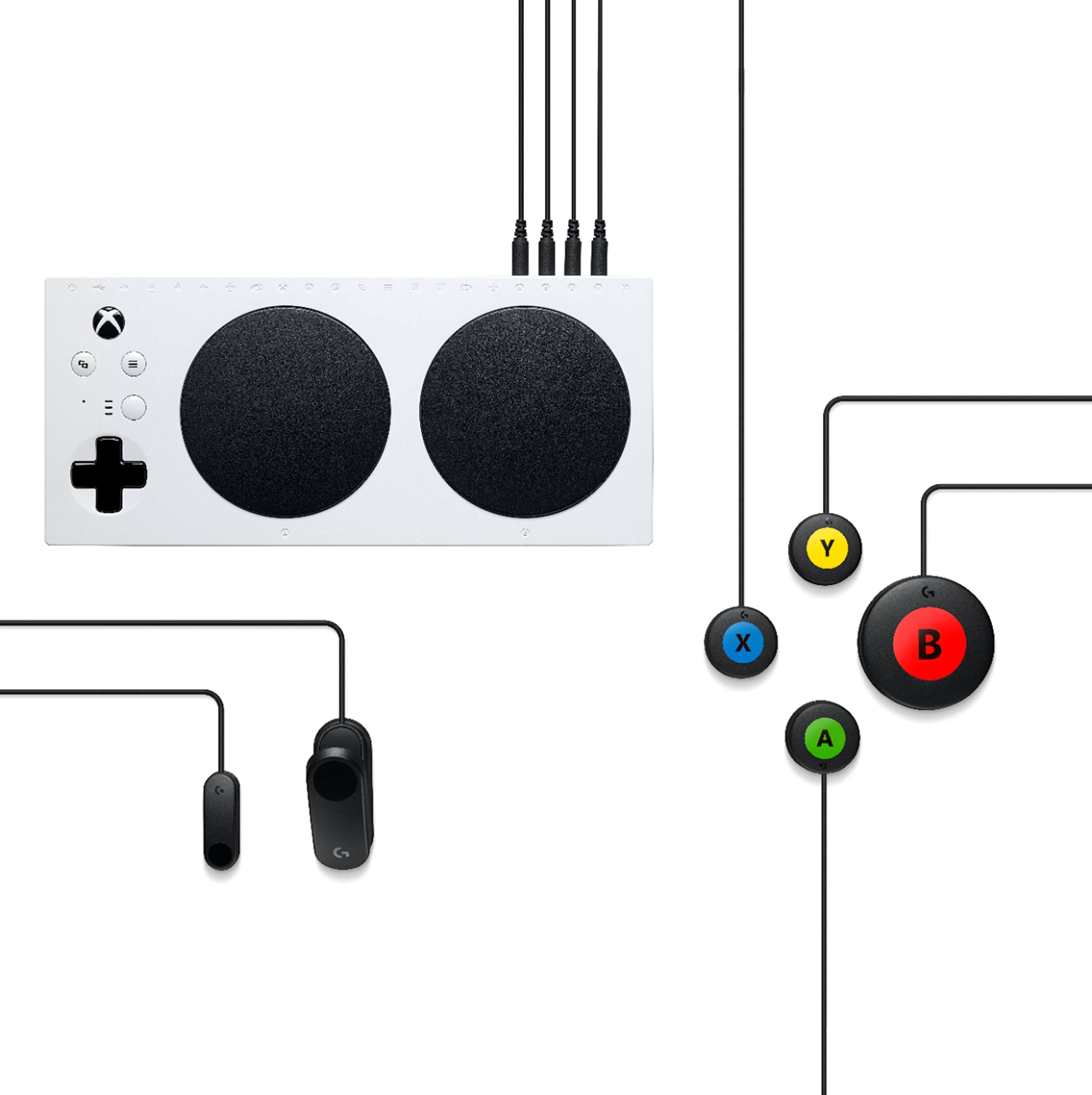
Customizable / Customizable Controllers & Buttons
Includes the Xbox Adaptive Controller, PlayStation Access Controller, and Switch Hori Flex Controller
Pros: Buttons can be used anywhere, ideal for people with motor impairments
Cons: Buttons and joysticks can be expensive
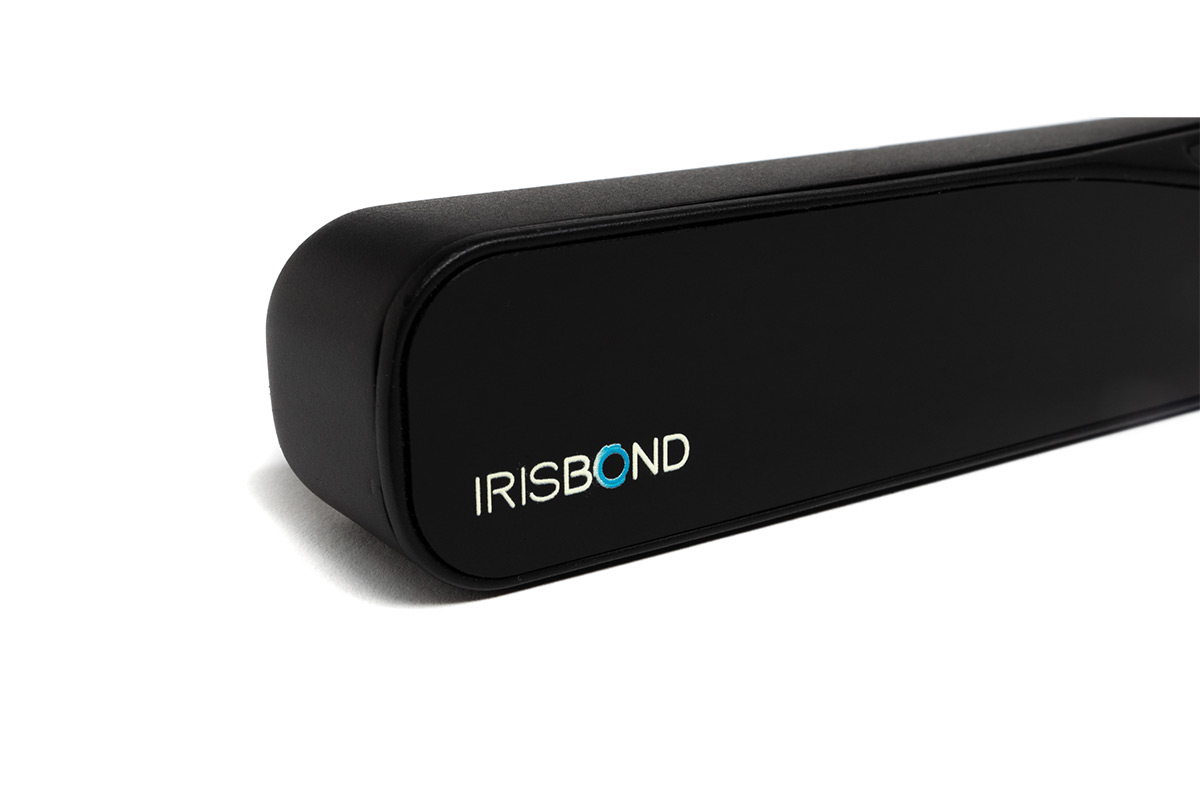
Eye trackers (AAC Devices)
For example: Hiru, PCEye, Tobii Dynavox
Pros: Hands-free gaming, ideal for people with limited mobility
Cons: Requires some setup and calibration
Switch control
Pros: Very simple switches that can be used in many different ways
Cons: Takes some time to get used to
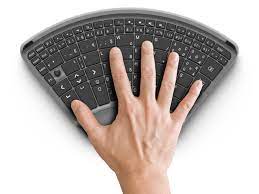
Special keyboards
For example: Logitech G Gamma, Tipy, Razer
Pros: Usually optimized for gaming, fast response time
Cons: Takes some time to get used to
Haptic Feedback Devices
For example: iPhone, Google Nexus, Samsung P520
Pros: “signal” or response from the device when pressed, for example vibration or a sound
Cons: Few devices support this, so it can turn out to be expensive.
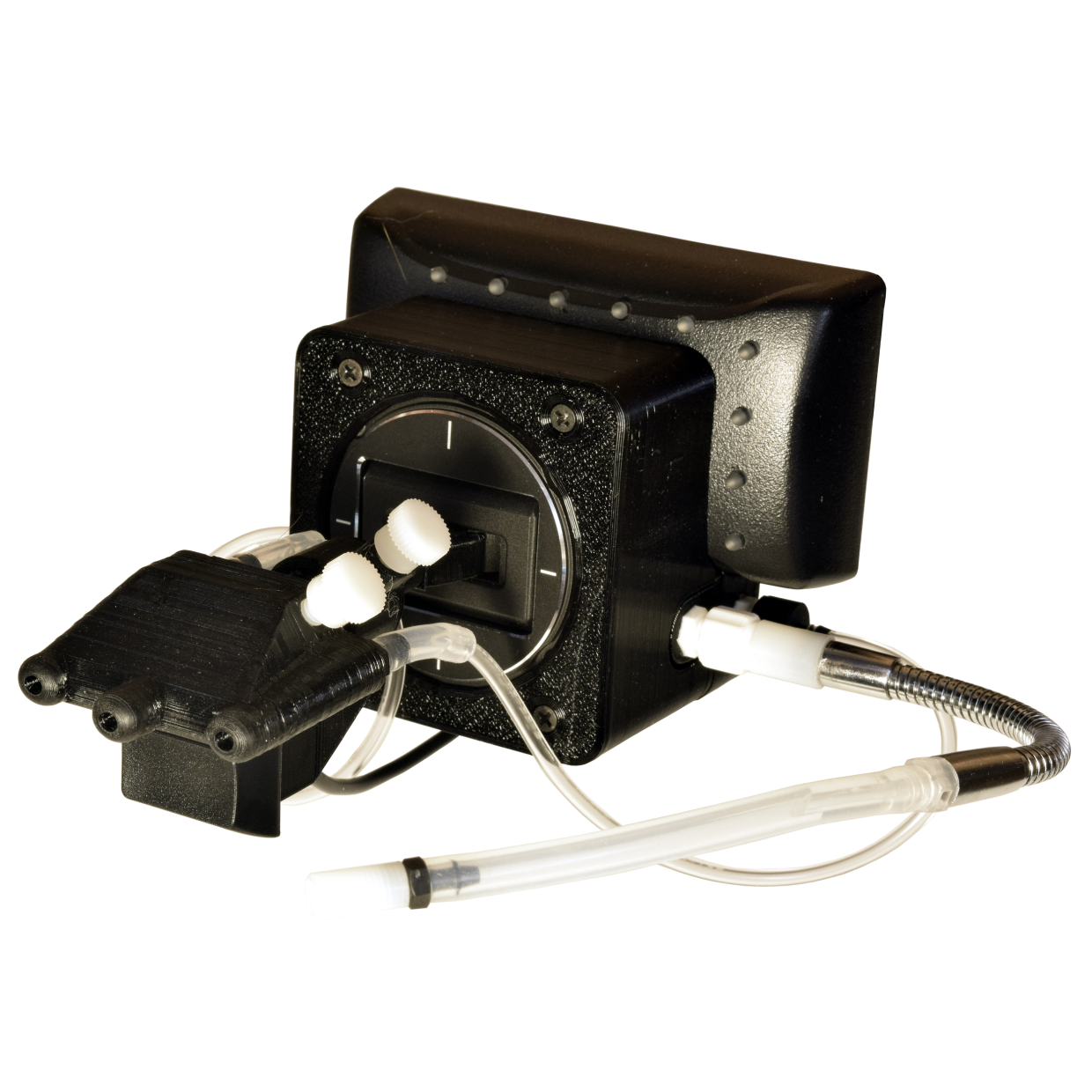
Mouth control
For example: Quadstick
Pros: Completely hands-free gaming; works with suction and blow switches